
TL;DR:
- Smart home integration connects devices into a unified system for automation and energy efficiency.
- Using protocols like Wi-Fi, Matter, Z-Wave, and Thread, it enables seamless device communication.
- Focusing on local control and a strong mesh network prevents many common reliability issues.
Managing a refrigerator app, a separate thermostat app, smart lights on one platform, and your AC on another is a real problem many Orange and Los Angeles County homeowners face every day. You end up with five apps and zero coordination. Smart home integration solves this by connecting all your devices into one system you can control from a single app or hub. This article breaks down what that means in practical terms, which technologies make it work, how to apply it to your appliances and energy-efficient appliances and your entire home’s comfort system, and what to realistically expect along the way.
Table of Contents
- What smart home integration really means
- Core technologies: protocols, hubs, and how they connect everything
- integrating appliances and hvac: what works (and what doesn’t)
- Key challenges and expert fixes for seamless integration
- debates, optimism, and what’s next: the future of smart home integration
- Why most smart home integration fails in real homes—and what actually works
- Ready to upgrade? Get local appliance and hvac integration help
- frequently asked questions
Key Takeaways
| Point | Details |
|---|---|
| Smart integration defined | Smart home integration connects your devices into one system for easy control and efficiency. |
| Tech made simple | Wi-Fi, Zigbee, Z-Wave, and Matter help different devices communicate in your home. |
| Appliance and HVAC gains | Integrating appliances and HVAC can lower bills and provide automation for more comfort. |
| Expert troubleshooting | You can solve most integration problems with the right tools and local support. |
| Plan for reliability | Prioritize local control and simplicity to keep your smart home running smoothly. |
What smart home integration really means
Let’s clear up a common misconception: smart home integration is not just buying a smart speaker or installing a programmable thermostat. It’s a whole step further. Smart home integration is the process of connecting internet-enabled devices such as thermostats, lights, appliances, and energy-saving systems into a unified network controlled via a central hub or app, enabling automation, remote monitoring, and energy optimization.
In practical terms, this means your smart thermostat can respond to your front door unlocking, your refrigerator can notify you when the temperature climbs unexpectedly, and your whole-home AC can shift into away mode the moment everyone leaves. All of this happens automatically, without you lifting a finger.
Here are the device families typically included in a smart home integration setup:
- Smart thermostats and whole-home efficient cooling systems for climate control and energy savings
- Major and small appliances such as refrigerators, ovens, dishwashers, and washing machines with built-in Wi-Fi
- Security cameras, smart locks, and video doorbells for safety monitoring
- Smart lighting for scheduling and occupancy-based control
- Smart plugs that add basic automation to older, non-connected devices
Centralized control works by routing all device communication through a hub or a cloud platform you access via smartphone. When you set a “goodnight” routine, for example, the hub tells the thermostat to drop to 68°F, the lights to turn off, and the front door to lock. All three devices get instructions simultaneously.
For Orange and Los Angeles County homeowners, the most immediate payoff is energy efficiency. California utility rates are among the highest in the nation, and integrated systems can reduce waste by scheduling appliances and climate systems around peak rate hours. That’s a direct monthly saving, not just a convenience.
“A properly integrated smart home is not about having the most devices. It’s about getting the right devices to work together so your home responds to your life, not the other way around.”
Core technologies: protocols, hubs, and how they connect everything
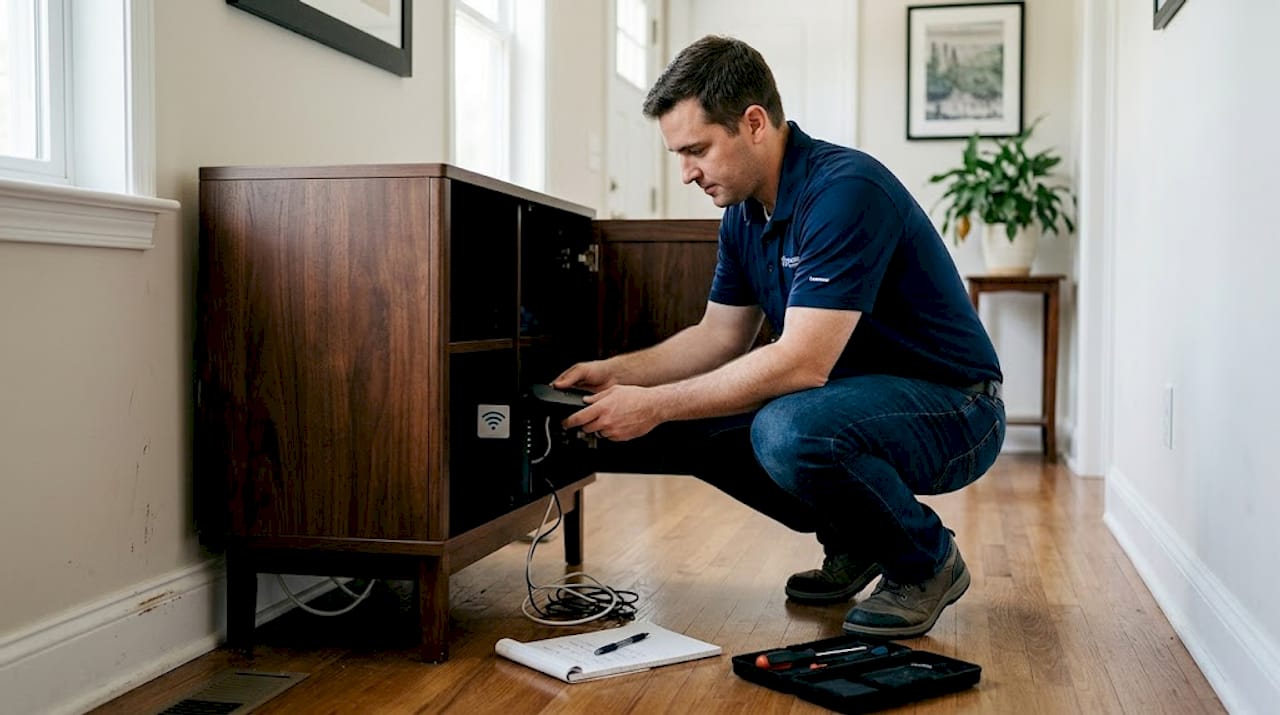
With a basic definition established, it’s essential to understand the technology powering these systems. Communication protocols include Wi-Fi for universal connectivity, efficient scheduling, and specialized standards like Matter for cross-platform interoperability.
Here’s a plain-language breakdown of the main protocols:
| Protocol | Best use case | Range | Power use | Example devices |
|---|---|---|---|---|
| Wi-Fi | High-bandwidth devices | Long | Higher | Smart TVs, cameras |
| Matter | Cross-brand compatibility | Medium | Variable | New thermostats, lights |
| Z-Wave | Low-power sensors | Medium | Low | Door locks, motion sensors |
| Thread | Fast local response | Medium | Very low | Smart bulbs, sensors |
Matter is the newest and arguably most important development in smart home technology. It allows devices from Apple, Google, and Amazon ecosystems to talk to each other natively, meaning you don’t need separate bridges or workarounds.
Hubs act as the central translator and orchestrator. Popular options include the Amazon Echo (using the Amazon smart home platform), Google Home, and Apple Home. Each hub speaks multiple protocols and routes commands to the correct device.
Three types of automations you can set up once your hub is running:
- Schedule-based: Your AC pre-cools the house at 4:30 PM before you arrive home.
- Location-based: Your thermostat shifts to energy-saving mode when your phone leaves the neighborhood.
- Event-based: A water sensor under your dishwasher triggers a shutoff valve if it detects moisture.
Pro tip: In larger Orange County and LA County homes, a mesh Wi-Fi network is not optional. Standard single-router setups create dead zones that disconnect devices and break automations. Install at least two or three mesh nodes for full coverage.
For security-conscious homeowners, ask your network provider or installer about setting up an IoT-specific network segment that keeps your smart devices separate from your main computers and phones.
integrating appliances and hvac: what works (and what doesn’t)
Once you know the underlying technologies, let’s look at how they apply to real appliances and home climate systems. Some devices integrate smoothly. Others take more planning.
Here’s a quick compatibility overview:
| Device type | Integration ease | Notes |
|---|---|---|
| Smart thermostat | Very easy | Works with most central systems |
| New Wi-Fi appliances | Easy | Native app or hub support |
| Window AC units | Easy | Smart plugs work well |
| Central AC (older) | Medium | May need compatible thermostat |
| Legacy refrigerators | Medium | Smart plug adds limited control |
| Gas appliances | Variable | Check local safety codes first |
For older appliances, bridge devices and smart plugs are the most practical solutions. A smart plug turns a basic appliance into a schedulable device instantly. You won’t get advanced diagnostics, but you can at least schedule it and monitor its energy draw.
Here’s the general integration process for homeowners:
- Take inventory of every device you want to connect and note its existing connectivity (Wi-Fi, no connectivity, etc.).
- Choose one primary platform (Amazon, Google, or Apple) as your hub ecosystem.
- Check compatibility for each device using the hub’s supported devices list or the Matter certification database.
- Set up your network before installing devices. A solid mesh Wi-Fi foundation prevents most problems.
- Install and pair devices one category at a time. Start with your thermostat and climate system first, then expand.
- Build automations gradually. Don’t program 20 routines on day one. Start with two or three that genuinely save energy.
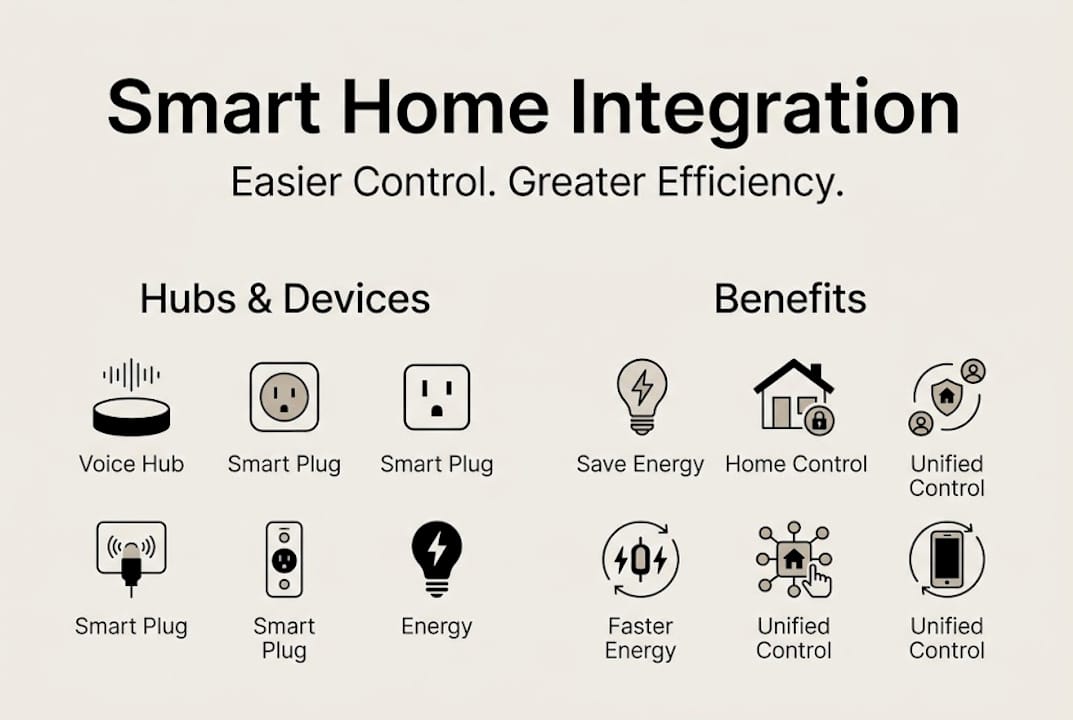
The direct energy impact is significant. Hub-based systems with automations and well-planned IoT network design can shift appliance usage to off-peak hours and reduce overall runtime for your whole-home climate control equipment.
Key challenges and expert fixes for seamless integration
Understanding what can go wrong is just as vital as knowing how these systems work. Many homeowners discover problems only after setup, and some issues are more common in Southern California homes specifically.
Common integration pain points include:
- Wi-Fi overload: Too many devices on one router degrades performance for all of them
- Cloud dependency: If the manufacturer’s cloud service goes down, your device may become unresponsive
- Protocol mismatch: A Z-Wave device won’t talk directly to a Wi-Fi hub without a bridge
- Multi-ecosystem conflicts: Running three competing platforms in one home creates coordination nightmares
- Cloud failures and firmware issues where automatic firmware updates break existing automations
In older Orange County and Los Angeles County homes, thick walls, aging wiring, and limited insulation can compound wireless signal problems. A home’s insulation quality directly affects how well your smart climate system performs, because a leaky house works against even the most sophisticated thermostat automation.
Pro tip: Before buying any smart appliance, check the appliance troubleshooting guide or use the manufacturer’s compatibility tool to confirm it works with your chosen hub platform. This one step prevents the majority of post-purchase frustration.
For consistent reliable performance, build your setup around devices that support local control. Local control means your hub can send commands within your home network directly, without needing the manufacturer’s server to be online. This keeps critical systems like thermostats and locks operational during internet outages.
debates, optimism, and what’s next: the future of smart home integration
Let’s wrap the technical deep dive with a look at current debates and the realistic future of smart home integration. Not everyone agrees on where this is heading.
Matter adoption is reaching 30% of new devices, and optimists argue this signals true cross-platform harmony arriving soon. A device you buy today with Matter support will work across Amazon, Google, and Apple platforms simultaneously. That’s a genuine shift from three years ago when buying the wrong brand locked you into one walled garden.
Skeptics, however, point out real gaps:
- Cloud dependency persists even in Matter-certified devices, slowing response times and creating outage risks
- AI-driven routines sound impressive but often misread household patterns and interrupt rather than assist
- Platform fragmentation is improving but far from resolved, especially for older and commercial-grade appliances
- Data privacy concerns remain, as most hubs collect usage data that travels through manufacturer servers
“Matter is the most important development in smart home interoperability in a decade. But interoperability does not automatically mean reliability. Those are two different problems.”
For Orange and LA County homeowners planning for the next few years, the practical outlook is this: invest in Matter-certified devices and a strong mesh network, prioritize local control, and resist the urge to automate everything at once. The technology is genuinely improving, and a smart home zone system for your climate is one of the highest-return upgrades available right now. Set expectations accordingly, and your setup will serve you well.
Why most smart home integration fails in real homes—and what actually works
After years of working in Orange County and Los Angeles County homes, we’ve seen a consistent pattern: the systems that break down are almost always the most complex ones. A homeowner who installs devices from four different brands, runs two competing hubs, and automates every possible routine will have problems every week. The homeowner who picks one platform and only connects 10 well-chosen devices rarely calls with issues.
The single biggest mistake is cloud-only control. When a manufacturer’s server goes down or an update breaks compatibility, your “smart” home becomes a very inconvenient one. Real smart home efficiency depends on systems that operate locally and don’t require a server in another state to run your air conditioning. Choose hubs and devices that support local control, keep ecosystems simple, and plan your network infrastructure before you buy a single device. The right foundation prevents 80% of the problems we see in the field.
Ready to upgrade? Get local appliance and hvac integration help
If you’re ready to benefit from smart home integration, working with local professionals is the most reliable path forward. Understanding what appliance repair means today helps you see how a properly installed and maintained appliance is the right foundation for any smart home upgrade.

At MDTech Services, our licensed technicians serve Orange County and Los Angeles County homeowners with hands-on appliance installation, residential heating and cooling repair, and guided appliance installation support. We understand the local home stock, the common challenges, and the best solutions for your neighborhood. Contact us today to book an appointment and get expert guidance tailored to your home.
frequently asked questions
What devices can I integrate into my smart home system?
You can connect thermostats, smart home devices including lights, security cameras, appliances, and more to a central smart home hub or app for unified control.
Will smart home integration reduce my utility bills?
Yes. Systems that enable energy optimization by automating and monitoring your appliances and climate equipment can meaningfully lower your monthly energy costs.
What is the Matter protocol and why does it matter?
Matter is a new cross-platform interoperability standard supported by Apple, Google, and Amazon that allows smart devices from different brands to work together without extra bridges or workarounds.
Can I integrate older appliances with new smart systems?
Yes, with some planning. Legacy devices needing bridges or smart plugs can still be added to most smart home setups, giving you basic scheduling and energy monitoring even without native smart features.
How can I make sure my smart home continues to work during internet outages?
Choose devices that support local control during outages and ensure your home network is built on a reliable mesh system to keep critical automations running even without internet access.
Recommended
- Smart HVAC efficiency tips to cut home energy costs
- HVAC zone systems explained: boost efficiency and comfort
- HVAC Efficiency Checklist for Homeowners: Save Energy Fast
- Home ventilation explained: Boost indoor air quality & efficiency
- Smart home accessories: security, savings & comfort – New Way Ref
- How sensors improve appliance efficiency: 17% savings – Expert Appliance